Understanding PDF Security: Passwords, Encryption & Digital Signatures | QuickPDF
Learn how to password protect a PDF online, encrypt documents, and digitally sign files securely for free. Fast, easy, and no signup required.
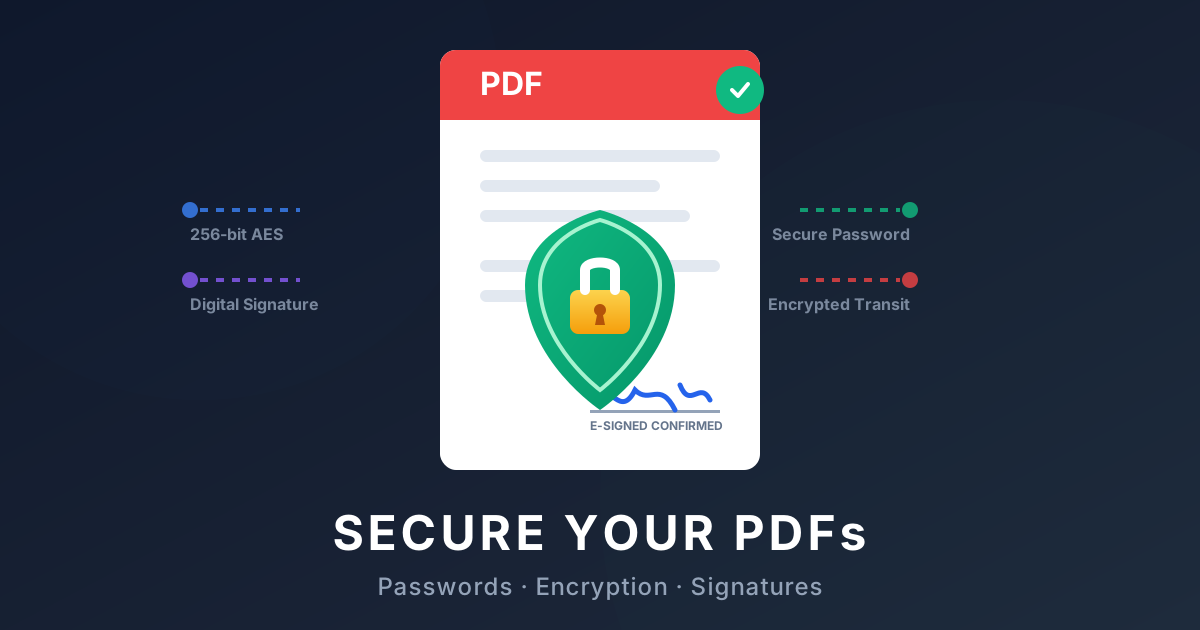
Understanding PDF Security: Passwords, Encryption, and Digital Signatures
When dealing with sensitive information—whether it's financial records, tax documents, or confidential business proposals—security is paramount. Portable Document Format (PDF) files offer robust mechanisms to keep your data safe, but understanding how to use them effectively can seem daunting.
In this comprehensive guide, we'll break down the essentials of PDF security. We'll explore how to password protect a PDF, the importance of encryption, and how to digitally sign your documents online for free.
Why You Need to Secure Your PDF Documents
Think about the documents you share via email or upload to the cloud. If they lack protection, anyone who intercepts them can read, modify, or distribute your sensitive data. By applying proper security measures, you ensure that only authorized individuals can access or alter the content.
At QuickPDF, we believe document security shouldn't be complicated or expensive. That's why we offer intuitive, free online tools to help you lock and secure your files instantly.
How to Password Protect a PDF Online
Adding a password is your first line of defense. When you password protect a PDF document, you are explicitly requiring a secret string of characters before the file can even be opened. This is crucial for files like W2s, legal contracts, or medical records.
Here's how to securely lock your PDF using our free tool—no software installation or sign-up required:
- Upload your file: Navigate to the QuickPDF Protect PDF Tool and drag-and-drop the document you want to secure.
- Set your password: Enter a strong, memorable password. We recommend combining letters, numbers, and symbols.
- Encrypt the PDF: Click the "Protect PDF" button. Our server immediately applies strong 128-bit or 256-bit AES encryption to the file.
- Download securely: Download your newly locked document.
With this method, your data remains fully encrypted. Even if someone obtains the file, they won't be able to open it without the password.
Digital Signatures vs. Electronic Signatures (E-Signatures)
Another massive aspect of document security is verifying authenticity and intent. This is where signing comes in.
An electronic signature (e-signature) is generally a digital representation of a handwritten signature. It indicates your intent to agree to the document's terms.
A digital signature, however, goes a step further. It uses cryptographic technology to embed a unique digital "fingerprint" into the PDF. This not only verifies your identity but also ensures the document hasn't been tampered with since it was signed. If someone alters a digitally signed PDF, the signature becomes invalid, acting as a tamper-evident seal.
How to Add an Electronic Signature to a PDF
Adding your signature shouldn't require printing, signing with a pen, and scanning the document back in. You can securely sign a PDF online in seconds.
- Navigate to the QuickPDF Sign PDF Tool.
- Upload the document you need to sign.
- Choose your signing method: You can draw your signature, type it out, or upload an image of your actual handwritten signature.
- Drag and drop your pdf signature onto the correct line in the document.
- Save and download your officially signed PDF.
It's that simple! This free tool acts as a perfect, easy-to-use signature maker allowing you to handle legal agreements or onboarding forms completely digitally.
Why Trust QuickPDF with Your Document Security?
When you are applying passwords, encrypting data, or adding an e-signature, privacy matters.
- No Data Retention: At QuickPDF, files are processed exclusively for the action you requested. Once you encrypt or sign your document and download it, our servers automatically delete your files within hours.
- 100% Free: No hidden fees, no subscriptions, and absolutely no sign-up required.
- Browser-Based Security: All transactions are secured via HTTPS/SSL protocols.
Ready to take control of your document security? Head over to our tools and start protecting and signing your PDFs today!
Enjoyed this guide?
Explore our suite of free online PDF tools—no signup required.
Start using QuickPDF