Remove Metadata from PDF Online Free | QuickPDF
Remove metadata, author information, and hidden properties from your PDF files online. Clean PDF metadata for privacy. Free and secure tool.
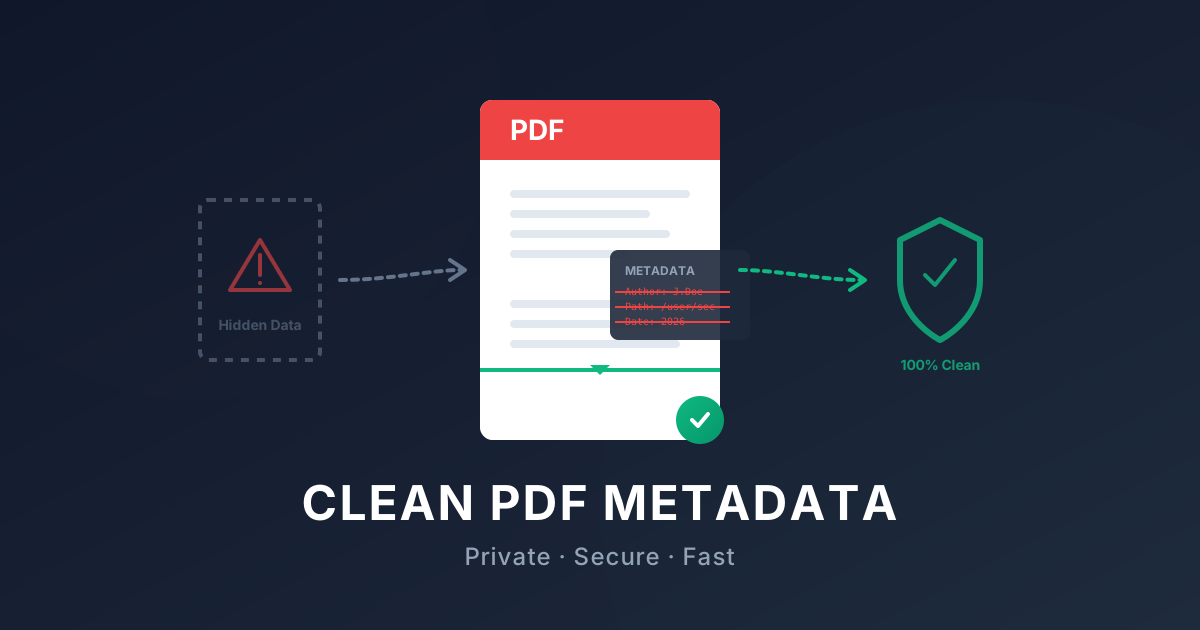
Remove Metadata from PDF - Online PDF Cleaner
Have you ever wondered what hidden data your documents might be carrying? Every time you create or edit a PDF, metadata—such as the author's name, creation date, software used, and even file paths—is quietly attached to the file. While this data can be useful for indexing and organization, it can also pose a significant privacy risk if shared publicly.
In this complete guide, we will cover what PDF metadata is, why you might need to delete it, and how to use our free online tool to clean your document properties.
Why Remove PDF Metadata?
Whether you are a professional sharing confidential agreements, a student submitting assignments, or simply someone who values privacy, cleaning PDF metadata is an essential step before distributing files.
- Privacy Protection: Metadata can accidentally reveal your identity, organization, or even your physical location (through GPS coordinates in embedded images).
- Security Compliance: For legal and medical professionals, ensuring that documents are scrubbed of all identifying properties is often a strict requirement to comply with data protection regulations.
- Removing Unwanted Editing History: Metadata often includes a trail of who has edited the file and when, which may not be information you wish to present to your final recipient.
Clean PDF Properties and Author Info
You don't need expensive software like Adobe Acrobat to view and erase PDF metadata. Often, the hidden properties include:
- The author's name
- The document's title and subject
- Creation and modification dates
- The application used to create the document
- Additional elements like EXIF data in images
Cleaning these PDF properties ensures that the only information you're sharing is what's explicitly visible on the page.
Free PDF Metadata Remover
QuickPDF provides a simple, fast, and completely free metadata removal tool. With just a few clicks, you can permanently erase metadata from your PDF online without needing to install any software.
We prioritize your security: our platform operates entirely in the browser using WebAssembly. This means your files are processed locally and are never uploaded to a remote server. Your sensitive documents stay secure and private.
How to Remove Metadata from PDF
Removing metadata from your PDFs is straightforward with QuickPDF's online tool. Here is a quick step-by-step process:
- Upload your PDF: Navigate to the Remove Metadata tool and upload the document you want to clean.
- Review the Data: The tool will automatically detect and display any existing metadata (such as Author, Title, Creator).
- Clean the Properties: Click the "Remove Metadata" button. Our tool will instantly generate a new, clean version of your file.
- Download your Secure PDF: Download the sanitized file directly to your device. It is now completely safe to share without revealing any hidden information.
Don't let hidden information compromise your privacy. Start cleaning your PDFs today with QuickPDF's Free Metadata Removal Tool and ensure your documents are perfectly secure before sharing them online.
Enjoyed this guide?
Explore our suite of free online PDF tools—no signup required.
Start using QuickPDF