PDF vs. PDF/A: What's the Difference and Which Should You Use?
Learn the difference between PDF and PDF/A, why PDF/A is the global standard for long-term archiving, and how to convert PDF to PDF/A online free.
PDF vs. PDF/A: What's the Difference and Which Should You Use?
In the digital modern world, the Portable Document Format (PDF) is the undisputed king of sharing documents. From your resume to business invoices to tax returns, almost everything is saved as a PDF. But if you have ever worked in the legal, medical, or government sectors, you might have been asked for a different format: PDF/A.
What exactly is the difference, and why does it matter? In this post, we'll break down the basics of PDF vs pdf/a, what makes a reliable PDF archival format, and how you can convert PDF to PDF/A online free.
What is a Standard PDF?
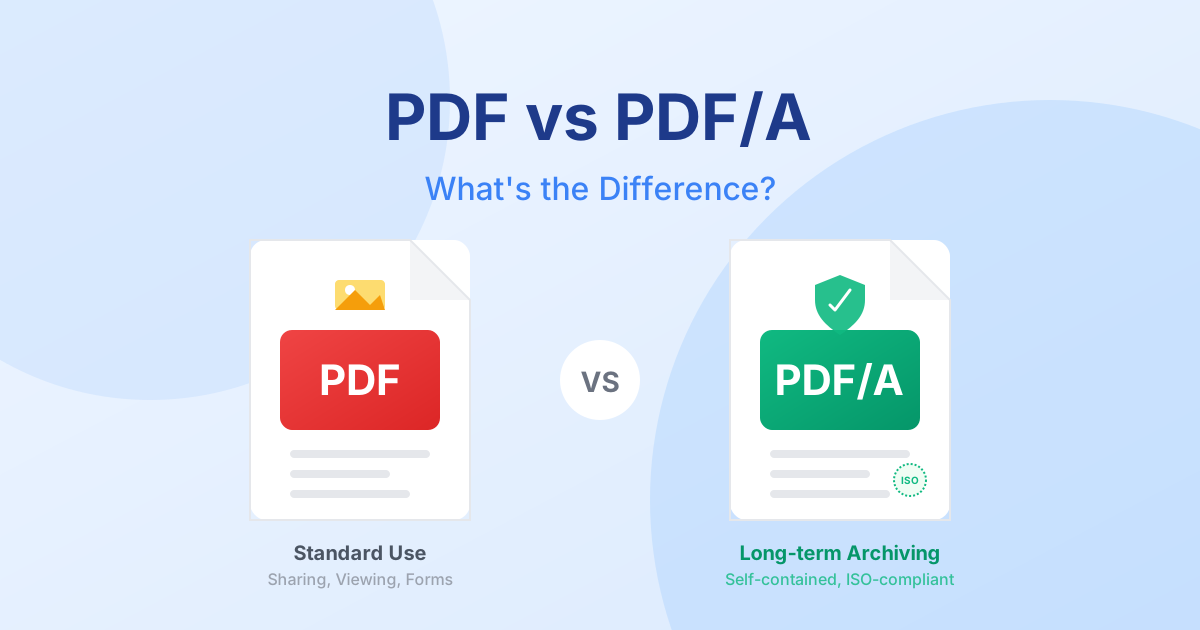
A standard PDF is built for everyday use: sharing, viewing, and printing documents across multiple devices and operating systems. When you save a file as a basic PDF, it may rely on the fonts installed on the viewer's computer or link to external content that makes the file dynamic and interactive.
While that's great for immediate sharing, it's terrible for long-term archiving. Imagine trying to open a PDF in 20 years, only to find the fonts missing, the colors changed, or the linked content completely broken!
What is PDF/A?
This is where PDF/A comes in. So, what is PDF/A exactly?
PDF/A stands for "PDF for Archive." It is an ISO-standardized (ISO 19005) version of the PDF format designed specifically for the digital preservation of electronic documents. Instead of relying on external information, a PDF/A file is completely self-contained.
This means that all the layout, color profiles, fonts, and images are embedded directly into the file. There are no missing fonts, no broken links, and absolutely no external dependencies. Decades from now, that document is guaranteed to look exactly the same as the day you created it.
Core Features of PDF/A:
- 100% Self-Contained: Everything needed to display the document is packed inside.
- No Encryption or Passwords: Because its goal is preservation, typical PDF/A files don’t have standard passwords that could lock users out years later.
- Embedded Fonts: Fonts are embedded, so the text renders perfectly on any computer.
- No Audio or Video: Multimedia content isn't allowed because video players change too rapidly over time.
PDF vs PDF/A: Which Should You Use?
Choosing between the two depends entirely on what you need to do with the document right now.
Use a Standard PDF when:
- You are sending a draft for review.
- The document includes dynamic or interactive forms, audio, or video.
- File size is your primary concern, and you don't need to embed every font.
- You are encrypting or password-protecting the file for security.
Use PDF/A when:
- You need a secure PDF archival format for legal, medical, or government records.
- You must comply with strict ISO standards for document preservation.
- You want to guarantee that your grandchildren can open and read the file without compatibility issues.
Fun Fact: There are different variations of PDF/A (such as PDF/A-1b, PDF/A-2b, etc.), each offering varying degrees of text searchability and image compression layers, but they all serve the exact same core purpose—long-term preservation.
How to Convert PDF to PDF/A Online Free
If you have important documents sitting on your hard drive, it's an incredibly smart idea to archive them correctly. You don't need expensive desktop software to secure your digital legacy.
You can convert PDF to PDF/A online free using QuickPDF's specialized archival tool.
Quick Steps for Archiving:
- Head over to our Convert PDF to PDF/A tool.
- Upload Your PDF: Select the document you wish to archive safely.
- Conformance Check & Conversion: Our secure, in-browser engine handles the heavy lifting, analyzing your file and converting it to the strict ISO-compliant standards.
- Download: Instantly download your archival-grade PDF/A file.
Because QuickPDF processes your files securely inside your web browser, your sensitive data and personal documents are never uploaded to a remote server. Your privacy is protected, and your records are secured for the future.
Ensure your documents stand the test of time. Start archiving your critical files today!
Enjoyed this guide?
Explore our suite of free online PDF tools—no signup required.
Start using QuickPDF