Merge PDF Online Free - Combine PDF Files Instantly | QuickPDF
Merge PDF files online free. Combine multiple PDFs into one document instantly. No signup required. Fast, secure, and works on any device.
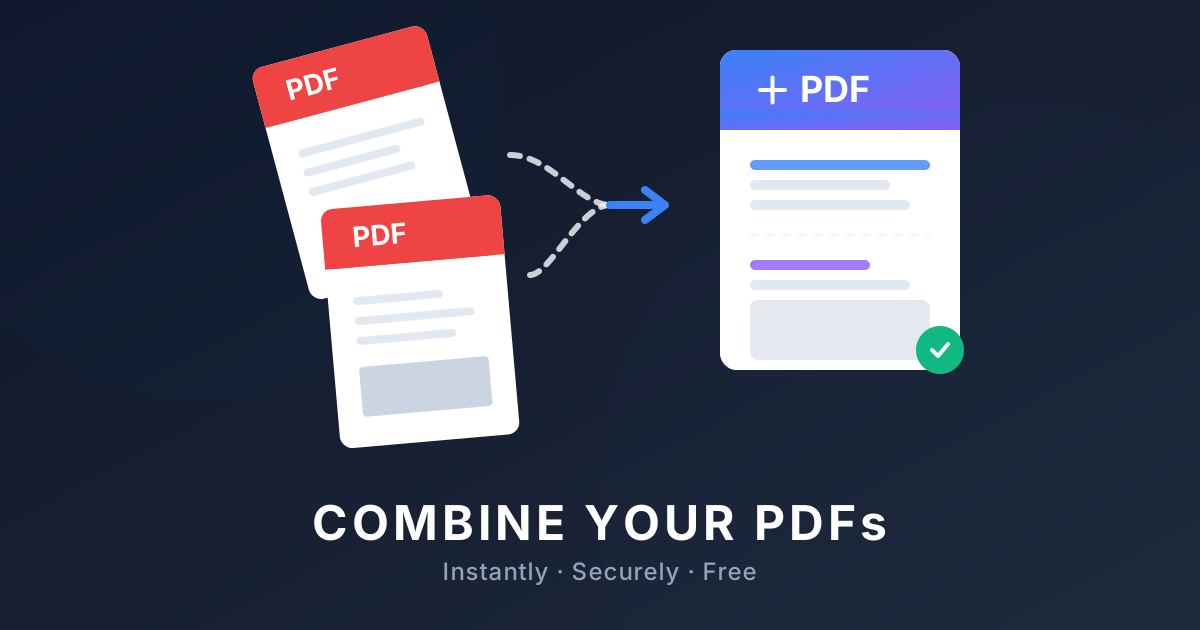
Merge PDF Files Online - Free PDF Combiner
Struggling with multiple document sections scattered across different files? Whether you're compiling end-of-month reports, organizing tax documents, or putting together a portfolio, learning how to merge PDF files is a lifesaver.
In this guide, we'll show you the absolute easiest way to combine multiple PDFs into one document online for free—no downloads, no sign-ups, and no watermarks. Read on to see how you can start using our powerful PDF Merger right now!
How to Merge PDF Files Online
Most built-in OS tools (like Preview or Edge) either lack the proper tools to combine PDFs efficiently, or make the process incredibly clunky. QuickPDF's online PDF Joiner takes the hassle away. Here is the step-by-step process:
- Upload your files: Navigate to the QuickPDF Merge tool and drag-and-drop the PDF files you want to combine.
- Reorder the pages: Once uploaded, you'll see thumbnails of all your files. Simply drag them into the correct order. You can even delete individual pages you don't need!
- Merge PDF Documents: Click the "Merge PDF" button. Our servers will instantly concatenate your PDF files together.
- Download: Once processed, download your new, single PDF document directly to your device.
Combine Multiple PDFs Into One (and Images Too!)
A common question we get is, "Can I merge images with my PDF?" The answer is yes! Often, you might need an ID scan or a photo receipt included in a larger packet. QuickPDF makes it easy to merge JPG to PDF directly within the same combining workflow.
Just upload your image files (JPG, PNG) alongside your PDFs, and our tool will automatically convert and add them as pages within your final document. Perfect for when you need to combine PDF and JPG seamlessly.
Add Pages to PDF Instantly
Sometimes you don't need to merge two massive files; you just need to append a single page (like a cover letter or a late addendum) to an existing document. Using our tool to add pages to a PDF is just as easy. Upload your primary document, upload the extra page, and hit merge. It really is that fast!
Why Use Our Free PDF Merger?
There are plenty of options out there, from expensive desktop software like Adobe Acrobat to various online portals. Why choose QuickPDF?
- It's 100% Free: We offer a truly free PDF merger. We don't hide the download button behind a paywall after you've already spent time organizing your pages.
- No Signup Required: You don't need to create an account or give us your email address. Just combine your PDFs and go.
- Lightning Fast: Our backend processing is highly optimized, allowing you to join PDF files almost instantly, even with larger documents.
- Uncompromising Security: All files uploaded are encrypted during transfer and automatically deleted from our servers shortly after processing. Your sensitive documents remain private.
Ready to put your documents together? Head over to our Merge PDF tool and get started today!
Enjoyed this guide?
Explore our suite of free online PDF tools—no signup required.
Start using QuickPDF