How to Extract Tables from a PDF and Convert Them to Excel | QuickPDF
Extract tables and data from PDF files instantly. Convert PDF tables to Excel (XLS/XLSX) or CSV without losing formatting. Free and secure.
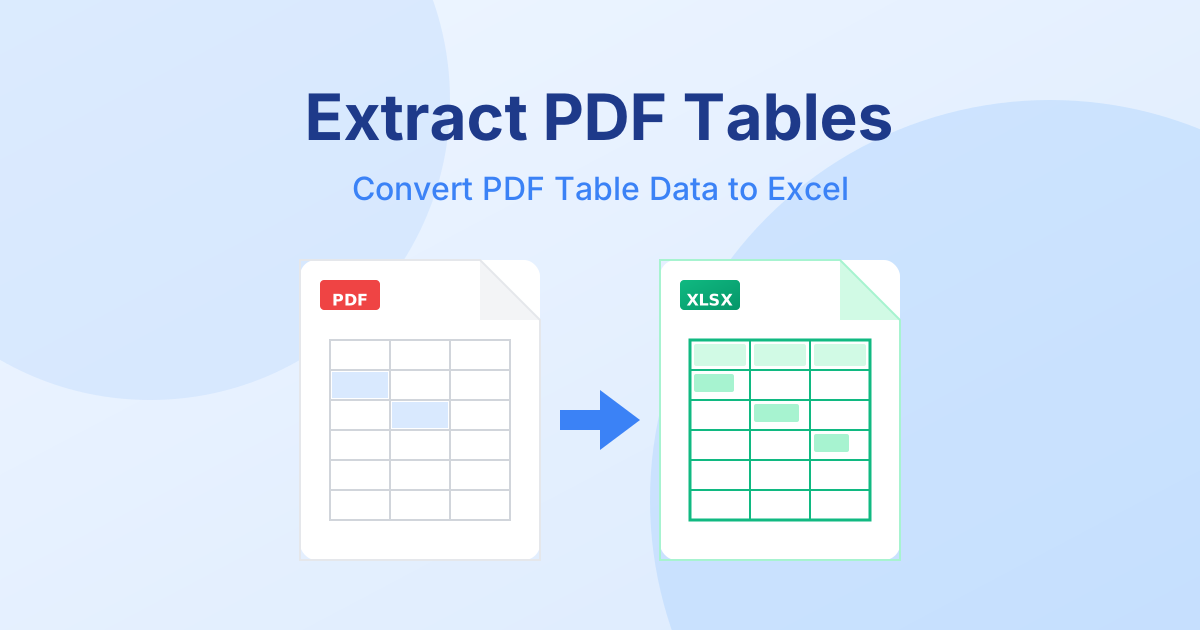
Extract Tables from PDF - Online Data Extraction
Whether you're dealing with financial reports, product catalogs, or research data, finding an essential table trapped inside a PDF document can be incredibly frustrating. PDFs are designed for presentation, not for data manipulation, making them infamously difficult for spreadsheets.
In this guide, we'll explain how you can easily extract table from pdf documents and move that data directly into an editable format like Microsoft Excel or a CSV file.
Why Extract Table Data from PDF?
If you try to simply copy and paste a table from a PDF viewer into an Excel worksheet, you've likely experienced the dreaded "single-column formatting break." The data pastes as a messy string of text, requiring hours of manual re-typing and formatting.
By using a dedicated tool to extract table data from pdf, you can:
- Instantly convert rows and columns correctly into cells.
- Maintain data accuracy without manual entry errors.
- Save hours of tedious formatting work.
- Make the data immediately ready for analysis, charting, or calculations.
How to Extract Tables from PDF to Excel
At QuickPDF, we've built a specialized, free tool designed precisely for this task. It allows you to extract table from pdf to excel in just a few clicks, without needing to pay for expensive software like Adobe Acrobat.
Here is the straightforward process to extract your data:
- Upload your document: Head over to the QuickPDF Extract Tables Tool. Drag and drop your PDF file containing the data you need.
- Select the extraction format: Choose your desired output format, such as Excel (XLSX) or CSV.
- Convert the document: Click the "Extract Tables" button. Our engines will instantly scan the PDF, identify the tabular structures, and map them to spreadsheet columns and rows.
- Download your data: Save the resulting spreadsheet securely to your device.
Your data is now fully editable and correctly formatted in an Excel spreadsheet!
Export PDF Tables to CSV or Excel for Free
When looking to convert pdf to xls or simply handle a quick data dump, our tools are engineered for speed and precision.
QuickPDF doesn't just pull text; it analyzes the structural lines and spacing of the PDF to ensure the extracted table mirrors the original document's layout. If the tool detects multiple tables within a single PDF, it can process them efficiently, separating them into different sheets or organizing them continuously based on your preference.
Our platform also offers a dedicated PDF to Excel converter if you need to convert entire documents rather than focusing solely on specific table extraction. Both are completely free to use!
Fast, Free PDF Table Extractor
When using QuickPDF to convert pdf to excel free, you are guaranteed a secure and private experience.
- No Data Tracking: We do not store or analyze the data within your tables.
- Auto-Deletion: All files uploaded for extraction are automatically purged from our servers shortly after processing.
- 100% Free: No subscriptions, no hidden limits, and no registration required.
Stop wasting time manually copying data. Try our Extract Tables Tool and start analyzing your PDF data in Excel instantly.
Enjoyed this guide?
Explore our suite of free online PDF tools—no signup required.
Start using QuickPDF