Image to PDF - Convert Photos & Pictures Online Free | QuickPDF
Convert images to PDF online free. Transform photos, pictures, PNG, and multiple images into high-quality PDF. No signup required.
Convert Images to PDF Online Free
Working with digital documents frequently requires combining multiple image formats like PNG, WebP, and TIFF into a single, standardized file. Whether you're assembling a digital portfolio, submitting scanned receipts, or preparing study notes, converting images to PDF ensures your documents look exactly the same on every device.
In this guide, we'll show you the easiest way to convert image to PDF using QuickPDF's secure, online tools—completely free and with no signup required.
How to Convert Images to PDF
QuickPDF's Image to PDF converter makes transforming your visual assets incredibly simple. You don't need to worry about preprocessing or converting between formats beforehand.
- Upload your images: Navigate to our tool and drag-and-drop your photos directly into the browser.
- Arrange the order: Once uploaded, simply drag the thumbnails to reorder them. The order you set will be the page order in your final PDF.
- Customize your output: Choose your preferred page sizing, margins, and orientation.
- Convert & Download: Click the convert button. We will make PDF from images instantly, ready for you to download!
Combine JPG, PNG, and More into One PDF
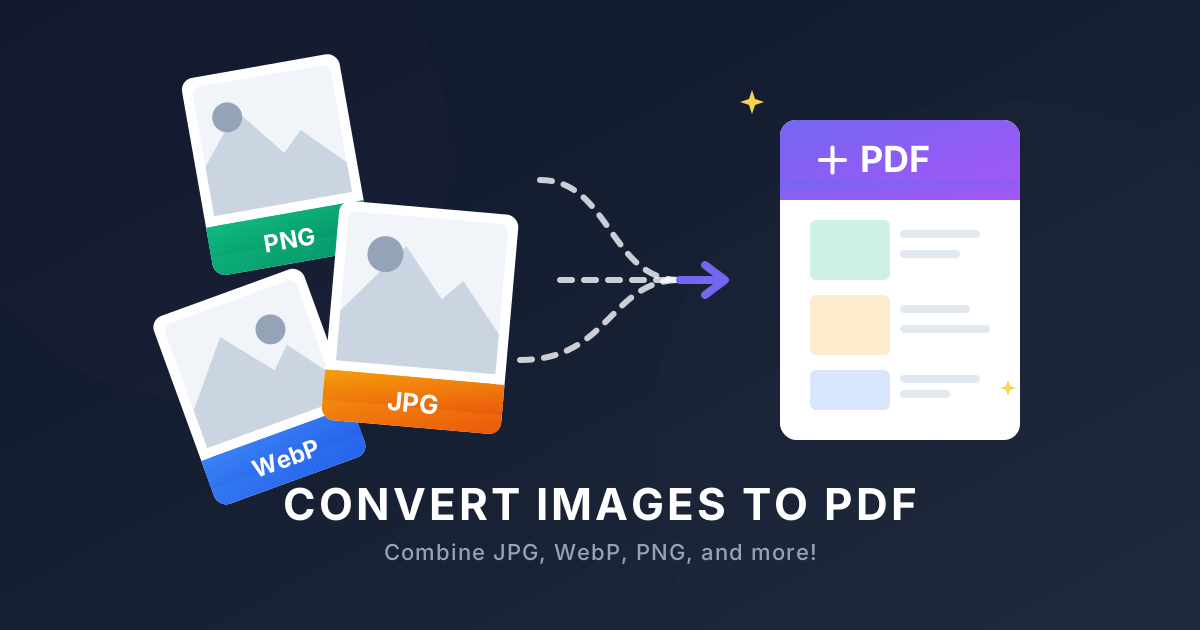
The beauty of our platform is its versatility. You can combine images into one pdf regardless of their original extensions. Need to merge a PNG screenshot, a WebP graphic, and a scanned picture into a single report? Our tool handles all these formats perfectly.
If your batch of images consists exclusively of JPGs or JPEGs, we have a fast, specialized route for that too! Check out our dedicated JPG to PDF converter. It's perfectly optimized to handle multiple jpg to pdf conversions, allowing you to combine jpg to pdf or merge jpg to pdf effortlessly without losing image quality.
Why Use QuickPDF's Image Converters?
There are plenty of desktop software and online portals, but QuickPDF stands out:
- 100% Free: We offer a truly free png to pdf and image converter with no hidden paywalls.
- No Signup Required: You don't need to create an account. Just convert your images and go.
- Lightning Fast: Our backend allows you to convert dozens of high-quality pictures simultaneously.
- Uncompromising Security: All files are encrypted during transfer and automatically deleted shortly after processing.
Ready to organize your images? Head over to our Image to PDF tool and get started today!
Enjoyed this guide?
Explore our suite of free online PDF tools—no signup required.
Start using QuickPDF